

78% of RevOps teams report that their last SDR tool evaluation took more than 6 weeks. Most of them still picked the wrong tool. The problem isn't process rigor — it's that the standard evaluation framework, the kind you run off a G2 comparison page or a Gartner shortlist, was built to compare features, not outcomes. When the variable that most predicts pipeline impact doesn't fit into a checkbox column, your rubric will fail you every time. That's exactly where video prospecting tools evaluations break down in 2026.
Why the Standard Comparison Framework Fails for Video Prospecting Tools
G2-style grids are structurally optimized for feature parity. They tell you whether a platform has a Chrome extension, a Salesforce integration, a mobile app, or an analytics dashboard. What they cannot tell you is whether a prospect will actually watch the video — and more specifically, whether the format in which that video arrives will trigger the kind of attention that converts to a reply.
The 2 variables most predictive of pipeline impact from B2B video prospecting don't map to checkbox features. They are delivery format and authenticity signal. Neither appears as a named criterion on any major review aggregator. Neither generates a star rating. And yet both directly determine whether your rep's video creates a psychological moment of connection with a prospect, or gets ignored alongside every other outreach in their inbox.
This isn't a minor gap. It's a systematic blind spot baked into how the industry evaluates sales video messaging platforms, and RevOps teams that don't correct for it will optimize toward ease of procurement rather than ease of pipeline conversion. The result is a well-documented technology graveyard: tools that win vendor evaluations, get deployed to 20 SDRs, generate 60 days of mediocre data, and then quietly disappear from the stack by Q3.
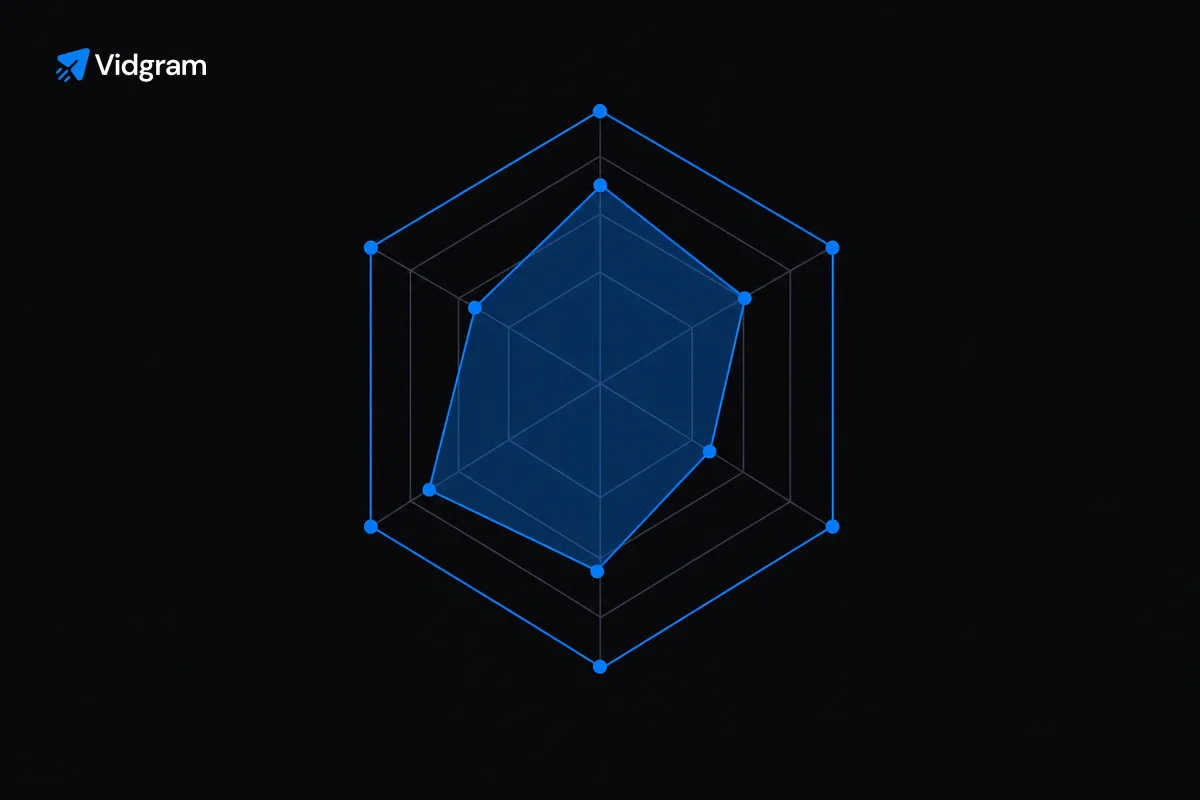
The way out of that cycle is to reframe the evaluation before you open a single vendor deck. You're not comparing features. You're comparing buyer behavioral triggers. The rubric in this post is built around that distinction. It gives your team 4 criteria that are directly connected to what happens after a prospect receives a video — not what happens inside the platform's settings menu.
Criterion 1 — Delivery Format: Inline Video vs. Click-to-Watch
This is the most consequential variable in your evaluation, and it's the one most commonly treated as a secondary consideration after pricing and integrations have already narrowed the field. Don't let that happen.
The distinction matters because of how attention works in a LinkedIn DM. When a video plays inline — when it appears as an actual MP4 in the message thread and autoplays or presents a visible first frame — the prospect's visual system registers it before their executive function has decided to ignore it. There's no decision moment at the link stage because there is no link. The video is already there. Research on digital attention consistently shows that inline media formats generate engagement rates 2 to 4 times higher than equivalent hosted-link formats, because they remove the friction point where most prospects drop off.
Click-to-watch formats — hosted links, thumbnail images, redirects to a landing page — require the prospect to make an active decision to engage. That decision happens in a context where they are already overwhelmed, already skeptical of vendor outreach, and already habituated to ignoring everything that looks like a pitch. The click is the conversion event you're asking for before any value has been delivered. Most platforms on the market use this model because it's technically easier to build and easier to attribute. It is not better for your conversion rate.
When you evaluate video prospecting tools, ask every vendor this question directly: does your video appear as an inline MP4 inside the LinkedIn message thread, or does it redirect to a hosted page? If the answer involves any version of "the prospect clicks through to view the video," you've already identified a structural disadvantage. Map every vendor to one side of this axis before any other criterion is applied. It will reduce your shortlist dramatically.
 Map every vendor to one side of this axis before applying any other evaluation criterion.
Criterion 2 — Authenticity Signal: Human Recording vs. Synthetic Face
The second axis your evaluation must establish is what the prospect actually sees when the video plays. This question has become significantly more complex in 2025 and 2026 as AI-generated avatar tools have entered the video outreach for sales category. Several platforms now offer synthetic presenters — AI faces that deliver a script without a human ever recording anything. The pitch is scalability: one message template, infinite personalized variations, zero recording time.
The problem is buyer behavior. Prospects have developed a rapidly accelerating sensitivity to synthetic video content. What registers in the first 2 to 3 seconds of a video — micro-expressions, eye movement, the slight imperfection of human affect — creates a trust signal that synthetic faces cannot replicate at current technology levels. When a prospect clocks that they're watching a generated avatar, the entire psychological premise of personalized video sales outreach collapses. You sent a bot to pretend to care about them. That is not a warm signal. That's the opposite.
The research on this is converging. A 2024 study by Realeyes tracking emotional engagement responses found that AI avatar videos generated measurably lower trust scores compared to human-recorded equivalents, even when the content was identical. Sales teams using avatar tools have reported reply rate decay over 60 to 90 days as prospects in their segments become acclimatized to the format and discount it accordingly.
This doesn't mean AI has no role in your video prospecting stack. AI-generated scripts, prospect research synthesis, and real-time personalization of talking points are all legitimate productivity multipliers that don't compromise the trust signal — because the human rep still delivers the message. The rep's face, voice, and presence are the authenticity anchor. AI accelerates the preparation without replacing the human element that earns the reply.
In your evaluation, classify every vendor by which side of this line they sit on. Tools that use synthetic presenters as a core feature are not equivalent alternatives to tools that require human recording. They are a different category with a different behavioral outcome.
Criterion 3 — CRM and Sequencer Integration Depth
Once you've applied the first 2 criteria and reduced your shortlist to platforms that deliver inline video and require human recordings, you're left with a much smaller field. The next evaluation layer is integration depth — and this is where RevOps instincts become directly applicable, because this is a technical and operational question, not a behavioral one.
Integration depth is not the same as integration existence. Almost every platform in the sales video messaging category will tell you they integrate with Salesforce, HubSpot, Outreach, and Salesloft. What you need to determine is what the integration actually does at the data layer. There are 3 levels worth distinguishing.
Level 1: Activity Logging
The video send appears as a logged activity in the CRM. This is table stakes. It tells you something happened, but it tells you almost nothing useful. Sequence step completion gets checked off, and the data trail ends.
Level 2: Engagement Data Sync
Watch events, completion rates, and reply flags flow back into the CRM record and into the sequencer as trigger-eligible signals. At this level, you can build workflows: if a prospect watched more than 70% of the video and didn't reply, the sequence auto-enrolls them in a follow-up branch. This is meaningful RevOps leverage. It turns passive engagement data into active pipeline logic.
Level 3: Bi-Directional Personalization Sync
Prospect data from the CRM — title, company, recent news, open opportunity stage — flows into the video creation workflow and pre-populates the AI script generation layer. The rep opens a prospecting task, sees a contextually pre-written script built from CRM data, records in one take, and sends. This is the integration level that compounds rep productivity over time, because the tool is doing the research and scripting work upstream rather than downstream.
Your procurement process should require vendors to demonstrate Level 2 and commit to Level 3 in a documented integration spec. Ask to see it work live in a sandbox connected to your actual CRM instance. Vendors who can't demo this live — only describe it in a deck — are telling you something about the maturity of their integration architecture.
Criterion 4 — Rep Adoption Friction
The most sophisticated video prospecting tool in your stack is worth exactly zero if your reps stop using it by week 3. Rep adoption friction is the category where the most expensive and most common implementation failures occur, and it's the criterion that RevOps teams most frequently underweight during procurement because adoption feels like a training problem, not a buying problem.
It is a buying problem. Adoption friction is largely determined at the product design level, not the onboarding level. Tools that require reps to leave their primary workflow — navigate to a separate application, log in, upload a recording, copy a link, return to LinkedIn — have structurally high abandonment rates. The behavior change required is too large to sustain against the competing pressure of daily quota activity.
The behavioral economics here are straightforward. Reps will consistently choose the path of least resistance to hitting their daily activity numbers. If recording and sending a video takes 8 minutes of context-switching and the alternative is writing a 40-word InMail in 90 seconds, the InMail wins — every single time, at scale, across your whole team. The video tool becomes a pilot that "didn't get traction."
When evaluating adoption friction, measure 3 things specifically. First, count the number of application context switches required to go from prospect identification to video sent. The number should be as close to 1 as possible. Second, time the workflow yourself during a trial — from deciding to send a video to the video appearing in the prospect's LinkedIn thread. If it exceeds 4 minutes for an experienced user, your reps will not sustain the behavior. Third, ask the vendor for 90-day retention data from comparable-sized sales teams. Not satisfaction scores — retention of active users as a percentage of licensed seats. That number is the most honest signal of adoption performance available.
SDR tool evaluation criteria should always include a structured pilot period of at least 3 weeks before final procurement, with adoption metrics defined in advance: minimum send volume per rep per week, reply rate benchmarks, and active user percentage. Build those into the trial agreement. Vendors who resist defined success criteria in a pilot are signaling that they expect those criteria to expose weaknesses.
Building a Defensible Short List Before You Talk to a Vendor
The 4-criteria rubric above — delivery format, authenticity signal, CRM integration depth, and rep adoption friction — gives your RevOps tech stack evaluation a structure that is grounded in buyer behavior and operational reality rather than feature marketing. Applied sequentially, it functions as a funnel: each criterion eliminates vendors that wouldn't survive live deployment, so you arrive at a short list of 2 to 3 platforms before you've invested significant evaluation time with any single vendor.
Run the first 2 criteria entirely from public information and direct vendor questions before scheduling any demo. The inline vs. click-to-watch question and the human vs. synthetic question take 10 minutes to answer per vendor if you ask them directly and review product screenshots. There's no reason to sit through a 45-minute demo for a tool that redirects to a hosted page. Eliminate it from the list and move on.
Apply criteria 3 and 4 during structured trials with your actual CRM environment and 3 to 5 volunteer reps. Measure what you said you'd measure. Document the results in a simple scoring sheet that your sales leader and VP of RevOps can review without having sat through the vendor conversations. The goal is a recommendation that is defensible on its own terms — not a decision that was driven by which vendor had the most polished AE.
Video prospecting is not a solved category in 2026. The tools that will generate durable pipeline impact are the ones built around how buyers actually behave, not around the feature sets that were easiest to build or easiest to sell. Your evaluation process should reflect that distinction from the first day you open the search.
The next post in The Vidgram Outbound Playbook — [Post 7] — goes deep on rep adoption: specifically, how to design a 30-day rollout plan that gets your team recording and sending within the first week, without the training overhead that kills most video program launches. It covers workflow design, manager accountability structures, and the leading indicators you should be tracking before reply rate data is statistically meaningful.
This is post 6 of 9 in the The Vidgram Outbound Playbook series.
If the rubric in this post describes how you want to run your next evaluation, Vidgram is worth 15 minutes of your time. The platform delivers inline MP4 video natively inside LinkedIn DMs, uses AI-generated scripts built from your CRM data to accelerate rep recording, and integrates at Level 2 and Level 3 with Salesforce, HubSpot, Outreach, and Salesloft. Book a 15-minute walkthrough and see the full workflow running against a live prospect list.